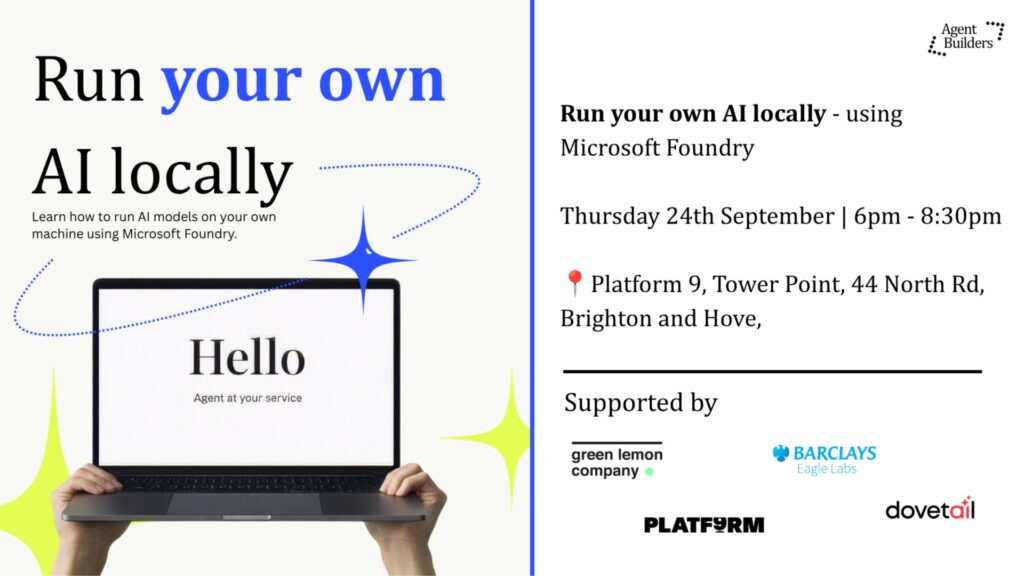
Run your own AI locally – using Microsoft Foundry
By Agent Builders
Microsoft Foundry is a platform that makes it easier to discover, run, and experiment with AI models. In this hands-on session, we'll show you how to run a small AI model locally on your own machine, giving you more control over how and where your AI works.
### What you'll get from this session
Learn how to run AI on your own laptop
Set up and test a small language model step by step
Understand when local AI makes sense vs cloud AI
Leave with something working
✨Further details:
### Throughout the evening you'll:
- Install Microsoft Foundry Local on your laptop
- Download and run a small AI model on your own device
- Chat with the model and explore what it can and can't do
- Learn the difference between local AI and cloud AI services like ChatGPT and Copilot
- Build a simple AI agent that can read and categorise documents
- Experiment with changing instructions to make the agent perform different tasks
- See how local AI can be used to process sensitive information without sending data to the cloud
- Leave with working examples you can continue to build on at home
### Who is this for?
This session is designed for beginners through to experienced builders. You don't need to be a developer, but you should be comfortable following step-by-step instructions on your computer.
### What you'll learn
Rather than just talking about AI, you'll get hands-on experience with:
Running AI locally
Understanding how AI models work
Building simple AI agents
Using prompts and instructions effectively
Knowing when local AI is a better choice than cloud AI
Turning AI from a chatbot into a practical tool for real work
### What you'll leave with
By the end of the session, you'll have:
An AI model running on your own machine
A working AI-powered document sorting tool
The knowledge to start building your own local AI projects
A clearer understanding of how businesses can use AI securely and privately
Something not right? Suggest an edit